
A redesign is meant to make your website better, yet many businesses see the opposite in the first weeks: pages disappear from Google, the contact form stops sending, and enquiries drop without anyone noticing. Almost every one of those problems is preventable. This website redesign checklist covers what to do before, during and after the rebuild so you keep what already works and improve the rest.
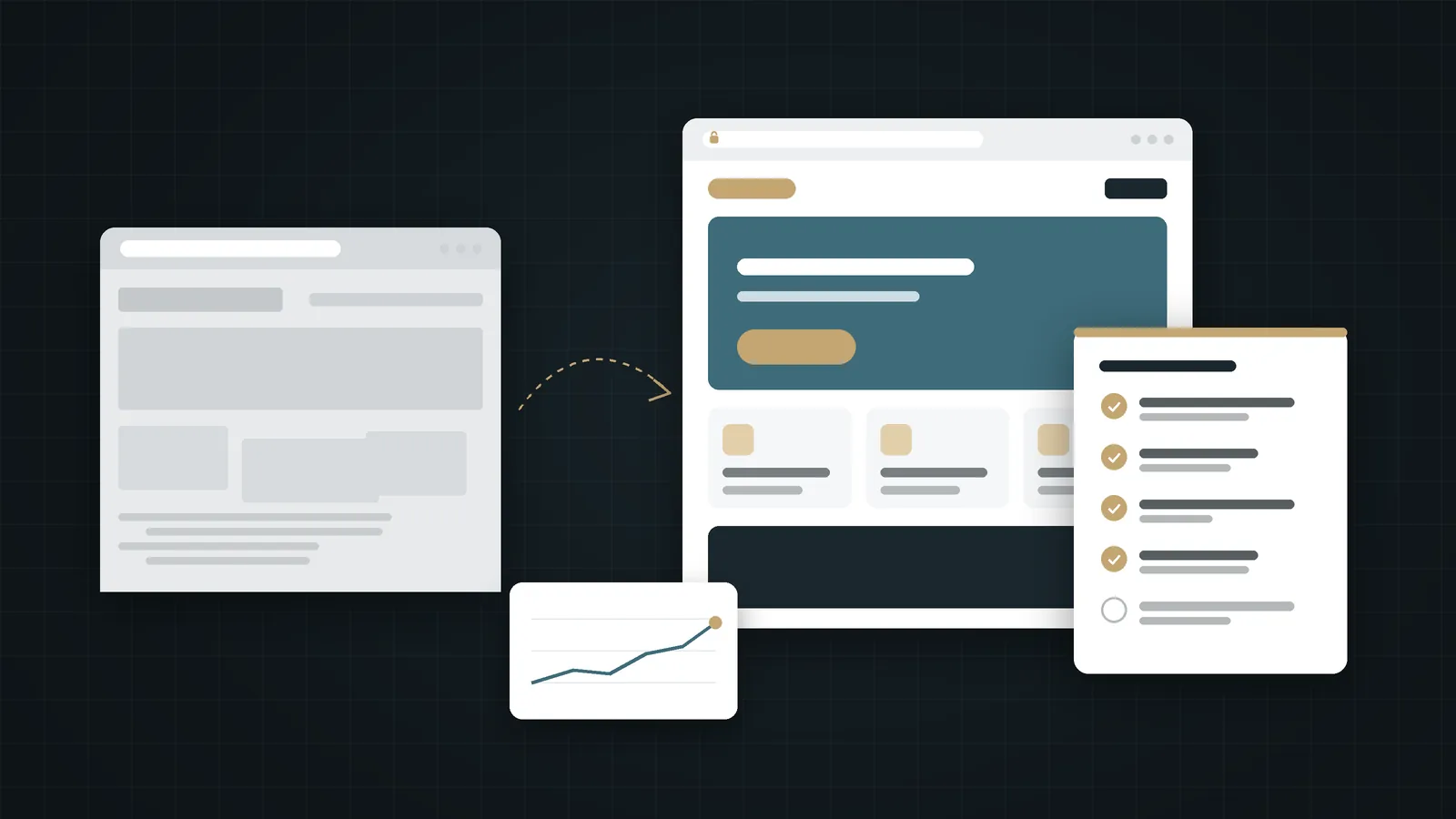
In short:
- Audit before you design: know which pages bring visitors and enquiries today.
- Map every old URL to its new equivalent and use permanent (301) redirects; never send everything to the home page.
- Carry over titles, descriptions, headings and internal links, and remove staging "noindex" settings before launch.
- Test every form, button and tracking event, then watch Search Console and enquiries closely for the first weeks.
In this checklist
Signs you need a redesign, not just a refresh
Not every tired website needs a rebuild. Sometimes new photos, clearer copy and a faster host are enough. A full redesign is usually justified when several of these are true:
- The site is hard to use on a phone, and most of your visitors arrive on one.
- You cannot update text, prices or services without calling a developer.
- The design no longer reflects the size or positioning of your business.
- Pages are slow even after basic fixes such as compressing images.
- You need features the current setup cannot support, such as a second language or online booking.
- Visitors arrive but rarely contact you, and the structure makes fixing that difficult.
If only the last point applies, start with the content and the visitor journey before rebuilding anything; see mistakes that cost customers.
1. Audit what already works
Every website redesign checklist should start here, because the biggest redesign mistake is treating the old site as worthless. Some of its pages are probably doing real work. Before any design starts, collect:
- Top pages in Google Search Console: which URLs get impressions and clicks, and for which queries.
- Top landing pages in your analytics: where visitors enter the site.
- Pages that produce enquiries: which pages people view before calling, messaging or submitting a form.
- Pages other sites link to: links from directories, partners or press are worth preserving.
- A full URL list: from the XML sitemap or a crawl, so nothing is forgotten.
Put all of this in one spreadsheet. It becomes the backbone of every decision that follows.
2. Decide what to keep, merge or remove
Go through the spreadsheet and give every URL one of four labels:
Keep
The page performs and its topic still matters. Keep the URL if you can, and improve the content and design.
Merge
Two or more thin pages cover the same topic. Combine them into one stronger page and redirect the others to it.
Replace
The topic stays but the page needs a new URL, for example because the structure changes. Redirect the old URL to the new one.
Remove
The page has no traffic, no links and no purpose. Let it return a 404 or 410, or redirect it only if a genuinely relevant page exists.
3. Map URLs and plan 301 redirects
Every URL that changes needs a permanent redirect to its closest new equivalent. Google's own site-move guidance recommends permanent server-side redirects (301 or 308), keeping them for as long as possible and generally at least a year, and warns against sending many old URLs to one irrelevant page such as the home page, which can be treated as a soft 404.
- One-to-one: each old URL points to the single most relevant new URL.
- No chains: redirect directly to the final URL, not through two or three hops.
- Update internal links: menus, footers and in-text links should point straight to the new URLs, not rely on redirects.
- Keep URLs where possible: the safest redirect is the one you don't need.
Source: Google Search Central, site moves with URL changes.
4. Protect on-page SEO
A new design often rewrites page templates, and with them the details search engines rely on. Check each important page for:
- A unique title and meta description, at least as good as the old ones.
- One clear H1 and a logical heading structure.
- The main content that was ranking, not a shortened version of it.
- Image alt text on meaningful images.
- Correct canonical tags pointing to the page's own URL.
- Structured data that was present before, such as Organization or Article markup.
- No leftover noindex tags or Disallow rules from the staging site.
The last item causes more redesign disasters than any other. Staging sites are rightly hidden from search engines, and that setting sometimes travels to the live site on launch day.
5. Protect the enquiry path
Rankings recover; lost enquiries don't. Treat every route to contact as a critical feature:
- Submit every form and confirm the message arrives at the right inbox.
- Tap every phone and WhatsApp button on a real phone.
- Check thank-you pages and confirmation emails.
- Re-create conversion tracking and analytics events, and confirm they fire.
- Make sure the primary call to action is at least as visible as it was before.
If you are unsure what the visitor needs to see before getting in touch, read from visitor to customer.
6. Check speed and mobile usability
A redesign is the best moment to fix performance. Google's Core Web Vitals give clear targets for a good experience: Largest Contentful Paint within 2.5 seconds, Interaction to Next Paint under 200 milliseconds and Cumulative Layout Shift below 0.1. Measure the new site on a mid-range phone, not only on an office computer.
Heavy hero videos, oversized images and too many scripts are the usual culprits. Our guide on why website speed drives sales explains what to look for in plain language.
7. Website redesign checklist for launch day
- Take a full backup of the old site and keep it.
- Remove staging noindex settings and robots.txt restrictions.
- Deploy the redirects and test a sample of old URLs, including the top ten from your audit.
- Submit the new XML sitemap in Google Search Console.
- Check HTTPS, the www and non-www versions, and that only one version of the site is reachable.
- Test forms, phone links, WhatsApp buttons and tracking once more on the live domain.
- Check both languages if the site is bilingual.
8. The first weeks after launch
Expect some movement. Google notes that rankings can fluctuate while it recrawls a moved site, and that for a medium-sized site it can take a few weeks or more before the new URLs replace the old ones. What matters is the trend, so the last part of any website redesign checklist is monitoring:
- Search Console coverage reports for new 404 errors and pages excluded unexpectedly.
- Impressions and clicks for your top pages from the audit, week by week.
- Enquiries per week compared with the same period before launch.
- Any external links pointing to old URLs that now 404, and add redirects for them.
After that, move into routine care; our week, month and year plan after launch covers what to keep doing.
Planning a redesign with Webnaa
When Webnaa rebuilds a website, we work through this website redesign checklist in order: the audit and redirect map come before the first design. We keep what earns traffic, rewrite what doesn't, and test every enquiry route before launch. If you are preparing for a redesign, a clear brief makes quotes easier to compare; our website brief template shows what to include.
Planning a redesign?
Your new website from SAR 39 a month with no setup fee. See what is included, then tell us about your current site.
FAQ
Will a website redesign hurt my SEO?
It doesn't have to. Most ranking losses after a redesign come from missing redirects, removed content, changed titles or a leftover noindex tag. Following the checklist above protects the signals that matter.
How long do rankings take to settle after a redesign?
Some fluctuation in the first weeks is normal while Google recrawls the site. If traffic to your key pages is still falling after a month or two, check redirects, indexing and content changes.
Should I change my domain at the same time?
Avoid it if you can. A domain change and a redesign together add risk and make problems harder to diagnose. If you must do both, plan the redirects especially carefully.
Can I keep my existing content?
Yes, and you usually should keep the content that performs. Improve it, update it and fit it into the new design rather than replacing it with shorter text.
How long should I keep the redirects?
Google recommends keeping them for as long as possible, generally at least one year. In practice, there is little reason to remove them at all.
Summary
A successful redesign starts with respect for what the old site already does. Audit before you design, decide the fate of every URL, redirect each changed page to its closest equivalent, carry over your on-page SEO, protect every route to an enquiry, and watch the data closely after launch. Follow this website redesign checklist and the new site can start ahead of the old one, instead of starting from zero.